Meta built an entire editing app around a single frustration: creators were leaving Instagram to make the videos that Instagram wanted them to post. That gap between creation and publishing cost the platform engagement, and it cost creators time. The Instagram Edits app closes that gap by putting a full editing suite directly into the same ecosystem where Reels live, get discovered, and get watched.
If you've ever struggled to grow a Reel despite spending hours editing it, you already know that editing quality is only half the battle. Getting the final cut in front of the right audience matters just as much, and this is where many creators quietly explore resources like how to boost instagram reel performance alongside using tools like Edits. Understanding both the creative and distribution sides of Reels helps explain why Instagram invested so heavily in building its own editing suite instead of leaving creators dependent on external apps.
This piece breaks down everything you need to know about the Instagram Edits app: what it is, how it works, what's new in 2026, and how it compares to alternatives. Whether you're a complete beginner or someone looking to sharpen an existing workflow, this guide will give you a clear, practical understanding of the app and help you decide whether - and how - to integrate it into your content strategy.
What Is the Instagram Edits App
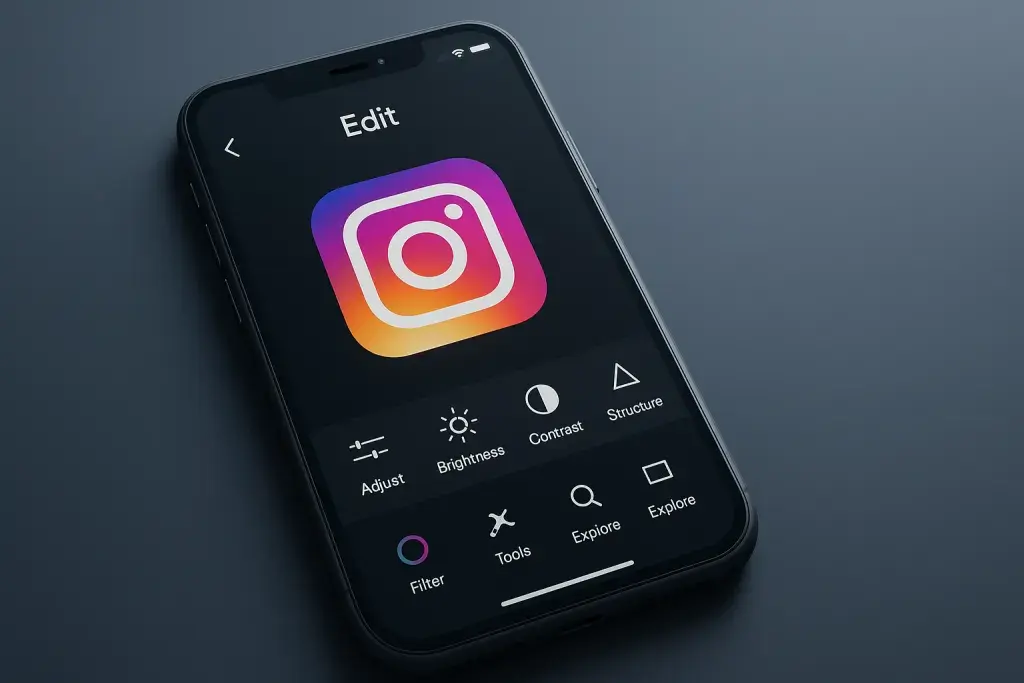
The Instagram Edits app is Meta's standalone video-editing tool built specifically for Reels creators. Instead of stitching a video together in a third-party app and then uploading it, creators can shoot, trim, layer audio, add effects, and export directly through Edits, with the final file ready for Instagram in native resolution and aspect ratio. The app functions independently of the main Instagram app, meaning it can be opened, used, and saved to without needing an active Instagram session running in the background.
What separates Edits from a generic video editor is its tight alignment with how Reels actually perform. Templates, trending audio, and effect libraries inside the app mirror what's currently active on the Reels algorithm, so creators aren't guessing which formats might resonate. Draft projects sync across devices tied to the same account, and exports carry metadata that Instagram's backend recognizes, which can smooth out the publishing process compared to uploading a video edited elsewhere.
In short, when people search for "instagram edits app explained," what they're really asking is: does this replace my current editing app, or supplement it? For most creators, it does both - handling quick, on-platform edits while still allowing heavier post-production work to happen elsewhere before final assembly in Edits.
Core Features Breakdown
The feature set inside Edits is built around three pillars: capture, refine, and export. Each pillar contains tools that used to require separate apps entirely.
Editing Tools and Effects
The editing toolkit includes multi-clip timelines, speed ramping, color adjustment, text overlays with animated presets, and a growing library of AI-assisted effects such as background removal and object tracking. Layering audio over an existing clip, adjusting volume balance between voice and music, and syncing cuts to a beat are all handled within the same timeline view, which reduces the back-and-forth that used to happen between separate audio and video editors.
Templates and Presets
Templates in Edits are pre-built structures - a sequence of clip slots, transitions, and text placements - that creators can drop their own footage into. This matters more than it sounds: template-based editing lowers the skill barrier significantly, letting someone with no editing background produce a Reel that follows a proven pacing structure. Presets extend this further by applying consistent color grading or effect combinations across multiple videos, which helps creators maintain a recognizable visual style without manually adjusting settings each time.
Collaboration and Sharing Options
Edits supports shared projects, allowing two or more people to contribute footage or edits to the same timeline before final export. This is particularly relevant for brand accounts and teams that split responsibilities across filming, editing, and captioning. Export options include direct posting to Reels, saving to camera roll, or exporting drafts for further work in another application.
Instagram Edits App 2026: What's New
The Instagram Edits app 2026 update cycle has focused heavily on reducing friction between idea and publish. Rather than adding flashy new effects, recent updates have prioritized speed: faster rendering on lower-end devices, improved draft syncing, and tighter integration with Instagram's recommendation system so that videos edited in-app get flagged correctly for the audio and trend data attached to them.
Another notable shift in the instagram edits app 2026 rollout is expanded AI-assisted editing. Automatic scene detection, smarter auto-captioning with improved accuracy across accents and background noise, and suggested cut points based on pacing analysis have moved from experimental features to standard tools available to most users. These additions matter because they shrink the time gap between filming raw footage and having something publish-ready, which is precisely the kind of friction Meta has been trying to eliminate since the app's original release.
Anyone tracking instagram edits app news over the past cycle will notice a pattern: updates arrive quietly, often without a formal announcement, and roll out in stages rather than all at once. This makes it worth checking the app's own changelog or update notes periodically rather than relying solely on external coverage, since availability of new features can vary by region and account type before reaching full deployment.
How the App Fits Into the Instagram Ecosystem
Edits doesn't exist in isolation - it's designed to work as the production layer beneath Reels, Stories, and even feed posts. A video edited in the app can be pushed to any of these formats without needing to be re-exported or reformatted, since the app already understands the aspect ratios and duration limits each format requires.
This integration also affects discoverability. Videos assembled and exported through Edits carry data that helps Instagram's recommendation system understand pacing, audio usage, and effect types more precisely than it might with an externally edited upload. That doesn't guarantee better reach, but it does mean the platform has cleaner signal data to work with when deciding who to show a video to. Creators who rely heavily on trending audio, in particular, benefit from editing inside an app that has direct access to the same audio library used across Reels.
Instagram Edits App vs Other Editing Apps
Deciding whether to consolidate editing work inside Edits or continue using a dedicated third-party app depends on what a creator actually needs. The comparison below outlines where each approach tends to hold an advantage.
| Factor | Instagram Edits App | Third-Party Editing Apps |
|---|---|---|
| Integration with Reels algorithm | Direct, native metadata support | Indirect, requires re-upload |
| Trending audio access | Built-in, updated with Instagram's library | Limited or requires manual import |
| Advanced color grading and effects | Growing but still developing | Often more mature and granular |
| Collaboration features | Shared projects within the app | Varies widely by app |
| Learning curve | Low, template-driven | Can be steep for advanced tools |
Neither option is objectively superior in every case. Creators focused on quick-turnaround Reels tied to trending audio tend to benefit more from staying inside Edits, while those producing highly stylized, longer-form content often still finish their work in a dedicated editor before a final pass in Edits for publishing.
Common Mistakes and Practical Tips
Even with a straightforward interface, creators run into avoidable problems when adopting a new editing workflow. Recognizing these early saves both time and frustration.
- Ignoring draft syncing settings, which can cause a project started on one device to appear incomplete or missing on another.
- Overusing AI-assisted effects like auto-cuts without reviewing the pacing manually, which can result in choppy transitions that don't match the intended rhythm of the video.
- Exporting at the wrong aspect ratio for the intended placement, since Reels, Stories, and feed posts don't all share identical dimensions.
- Skipping the audio library's built-in trending indicators, which can mean missing out on tracks that carry better discoverability at a given moment.
- Treating templates as rigid structures rather than starting points, which leads to videos that feel generic instead of adapted to the creator's own style.
Beyond avoiding mistakes, a few habits consistently improve output quality. Reviewing exported videos on an actual mobile device before publishing catches framing or text-legibility issues that aren't obvious on a larger editing screen. Keeping raw footage backed up separately from in-app drafts also protects against losing work if a draft fails to sync properly.
Questions and Answers
Is the Instagram Edits app free to use?
Yes, the app is free to download and use, and its core editing tools, templates, and audio library don't require a separate subscription. Meta has positioned it as a creator tool meant to keep more content production inside its own ecosystem rather than as a paid product.
Do I need an Instagram account to use the Edits app?
Yes, the app is tied to an Instagram account for saving projects, accessing the audio library, and publishing directly to Reels. You can still edit and export videos for other platforms, but full functionality requires being signed in.
Can I use Edits to make videos for platforms other than Instagram?
Yes, exported videos can be saved to your device's camera roll and uploaded anywhere, including other social platforms. The app doesn't restrict exports exclusively to Instagram, though some features like trending audio licensing may not carry over cleanly to other platforms.
Why did my draft disappear after switching devices?
This usually happens when draft syncing hasn't fully completed before closing the app, or when the account isn't signed in consistently across devices. Checking sync status before closing the app and ensuring a stable internet connection during editing sessions typically resolves this.
Does editing in the Edits app actually improve how a Reel performs?
It doesn't guarantee better performance, but it does provide cleaner metadata and direct access to trending audio, which can help the recommendation system categorize a video more accurately. Content quality, timing, and audience relevance still matter more than which app was used to edit the footage.
How often does the app receive updates?
Updates roll out in stages rather than on a fixed schedule, often without a major public announcement. Checking the app's changelog periodically is the most reliable way to stay current with new features as they become available.